SafeZonesV2

SafeZonesV2 Screenshot 1
SafeZonesV2 Screenshot 2
SafeZonesV2 Screenshot 3

Overview

Detailed features and information

XGC SafeZone V2 — Documentation


XGC Development

SafeZone V2

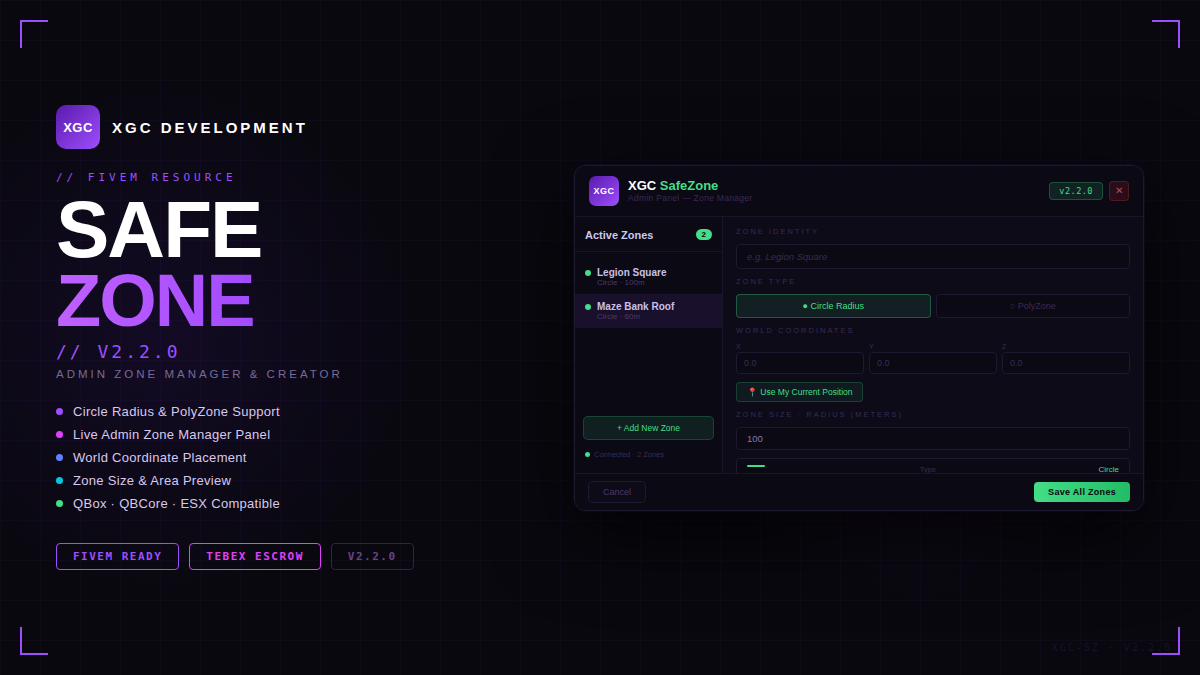
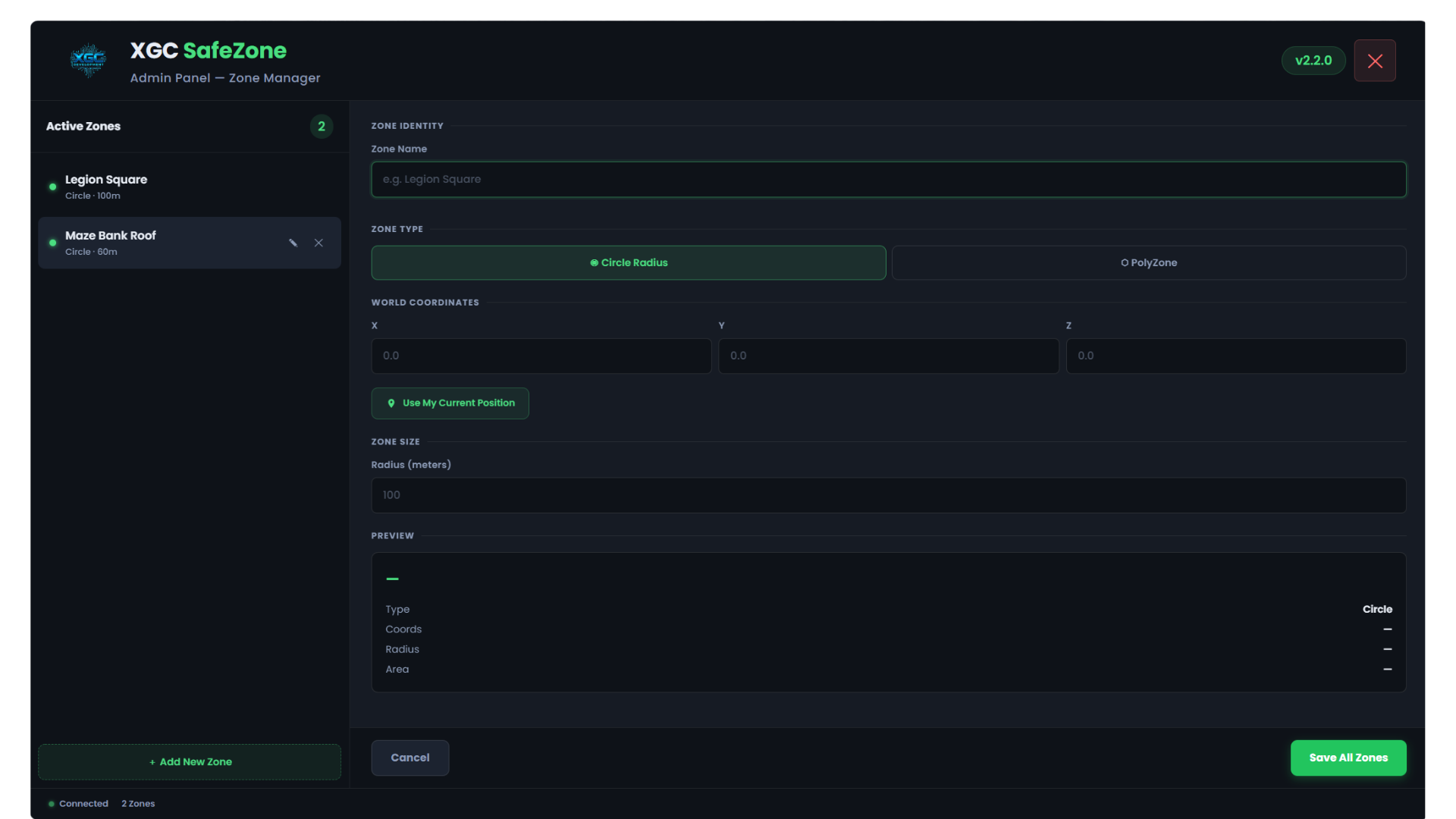
A fully in-game admin panel to create, edit and manage safe zones — with Circle and PolyZone support, weapon blocking, Discord logging and more.
v2.2.0


[qbox] / [QBCore]  / [ESX] / Standalone
PolyZone Support
No Config Editing Required


2c1e56dd923e8bfac1ed3b5e380baae7b2d1d317.png

Features
Everything you need to manage safe zones without touching any config files.
🛡️
In-Game Admin Panel
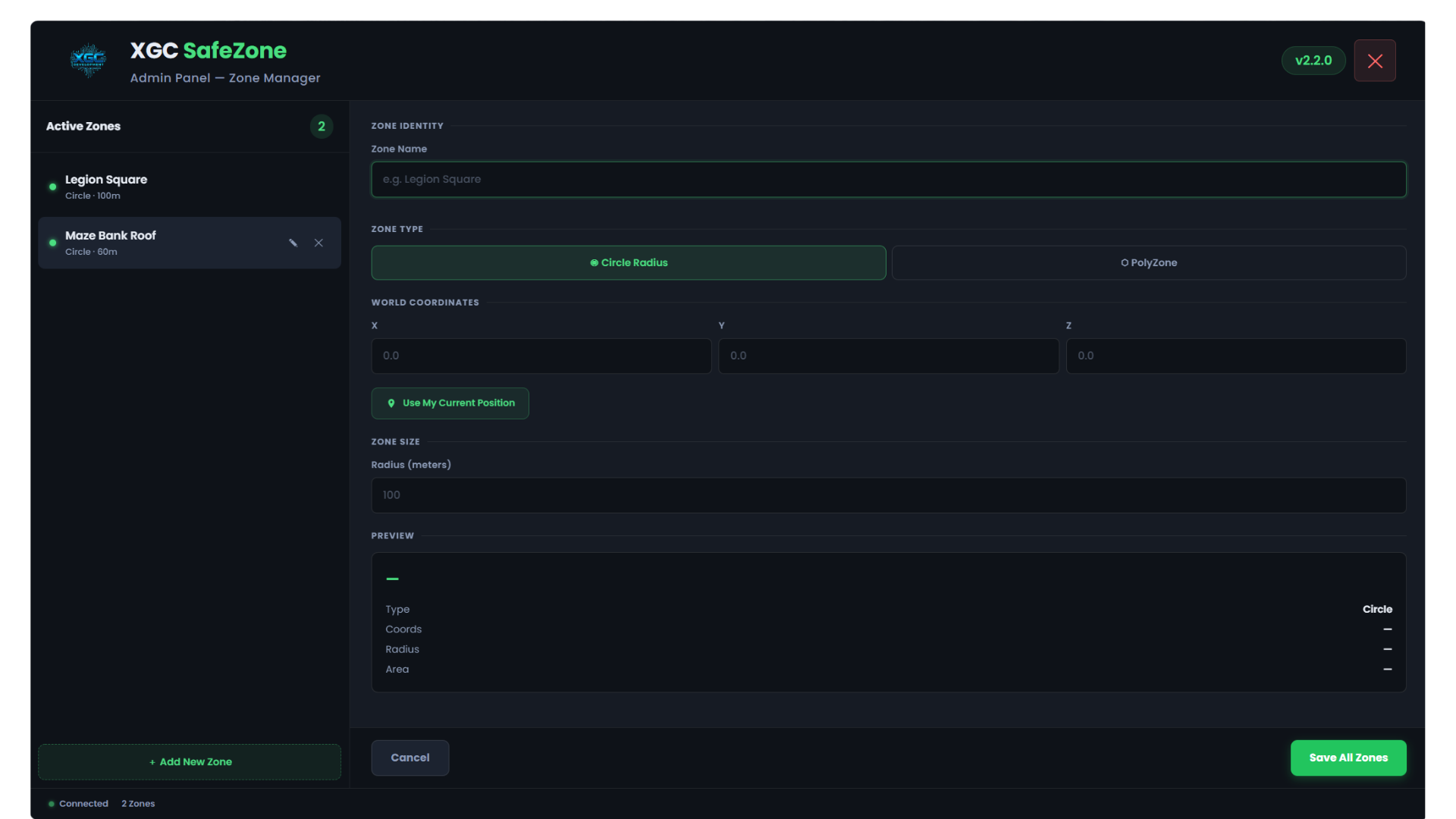
Open the panel with a single command. Create, edit, and delete zones live without restarting the resource.
Circle & PolyZone
Choose between a simple radius circle or a fully custom polygon shape. Walk to each corner to capture points in-world.
🔫
Weapon Blocking
Prevents players from drawing or firing weapons inside zones. Weapons are forced away every frame — no bypass possible.
💪
Invincibility
Players inside a zone can be made invincible. Toggle independently from weapon blocking in config.
🗺️
Map Blips
Each zone gets a shield icon on the minimap and a radius circle on the ESC map so players always know where zones are.
💬
Discord Logging
Every zone entry is logged to a Discord webhook with the player name, zone name and framework info.
🚶
Walk Mode Capture
For PolyZones — the UI hides and you walk to each corner. Press F to snap a point to your exact position, Backspace to cancel.
💾
Persistent Storage
All zones are saved to data/zones.json and survive resource restarts. Changes broadcast to all online players instantly.
🔔
okokNotify Support
Uses okokNotify for enter/leave notifications if installed. Falls back to native GTA notifications automatically.
Installation
Up and running in under 2 minutes.
1
Drop into your resources folder
Place the safezonesV2 folder inside your resources/ directory (or any sub-folder).
2
Add to server.cfg
server.cfg
ensure safezonesV2

# Grant the safezone.admin permission to your admin group
add_ace group.admin safezone.admin allow
add_principal identifier.steam:YOUR_HEX group.admin
3
Start your server and open the panel
Join the server and type /safezones in chat. The admin panel will open immediately.

      ℹ️

PolyZone Note: PolyZone detection works without the PolyZone resource installed. A built-in ray-cast point-in-polygon algorithm handles detection automatically. Installing PolyZone enables native PolyZone:Create integration.
Custom Logo
Brand the panel with your server logo.

Drop your logo file into the html/ folder and name it logo.png (also supports .jpg, .svg, .webp). No code changes needed — the panel detects it automatically.

💡
Recommended size: PNG with transparent background, ~400×100px (horizontal/wide logos look best). The logo renders at 78px tall in the header.

Made by XGC Development  ·  SafeZone V2  ·  v2.2.0

Loved by Community

Trusted by over 400+ servers worldwide.

Saved Items (0)

You haven't saved any items yet.