
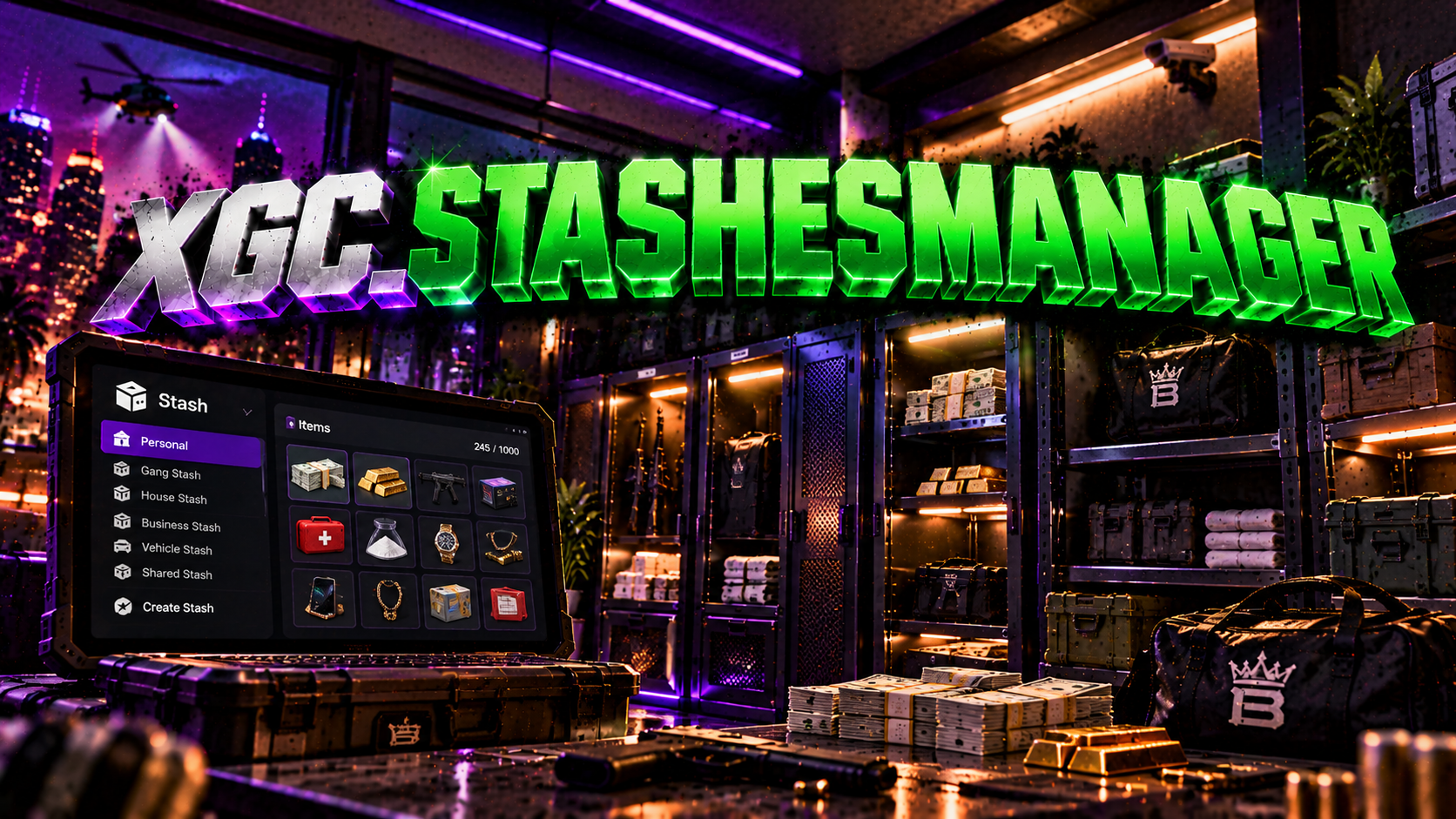

Need installation help or have a question about this FiveM resource? Our support team is on Discord.
XGC Stash Manager — Documentation
XGC Development
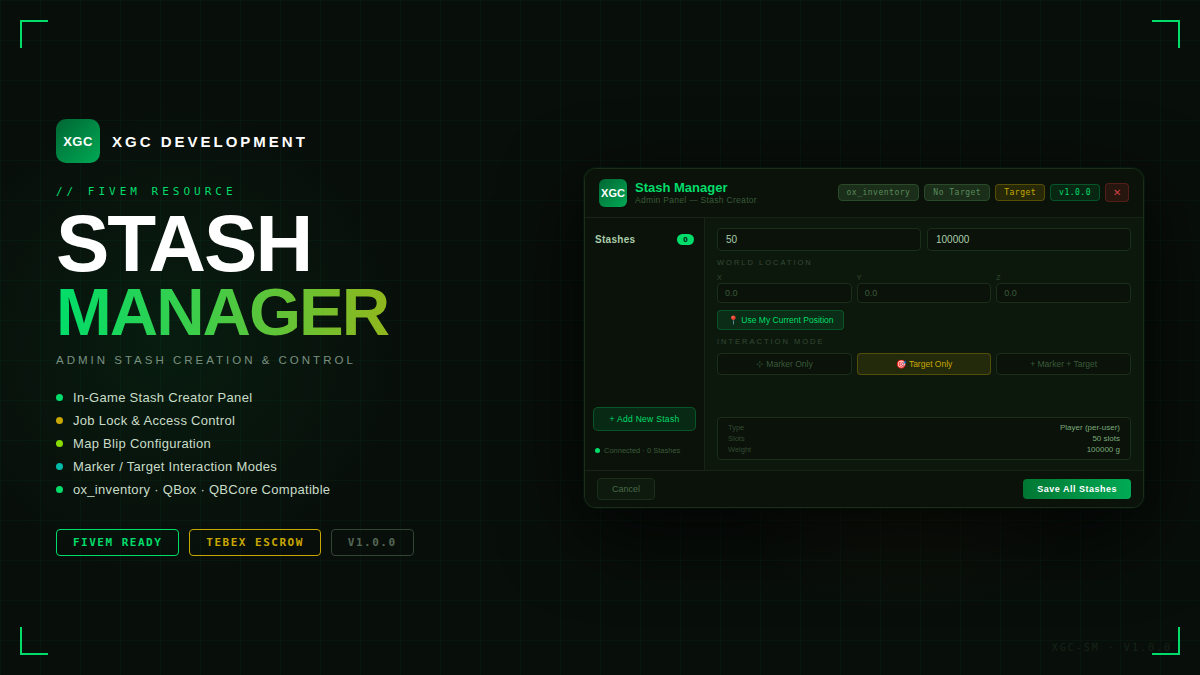
A fully in-game admin panel to create and manage player and business stashes — with ox_inventory, qb-inventory, qs-inventory support, job locking, target system integration and more.
v1.0.0
3 Inventory Systems
ox_inventory
qb-inventory
qs-inventory
ox_target / qb-target / qtarget
Job Lock System
Features
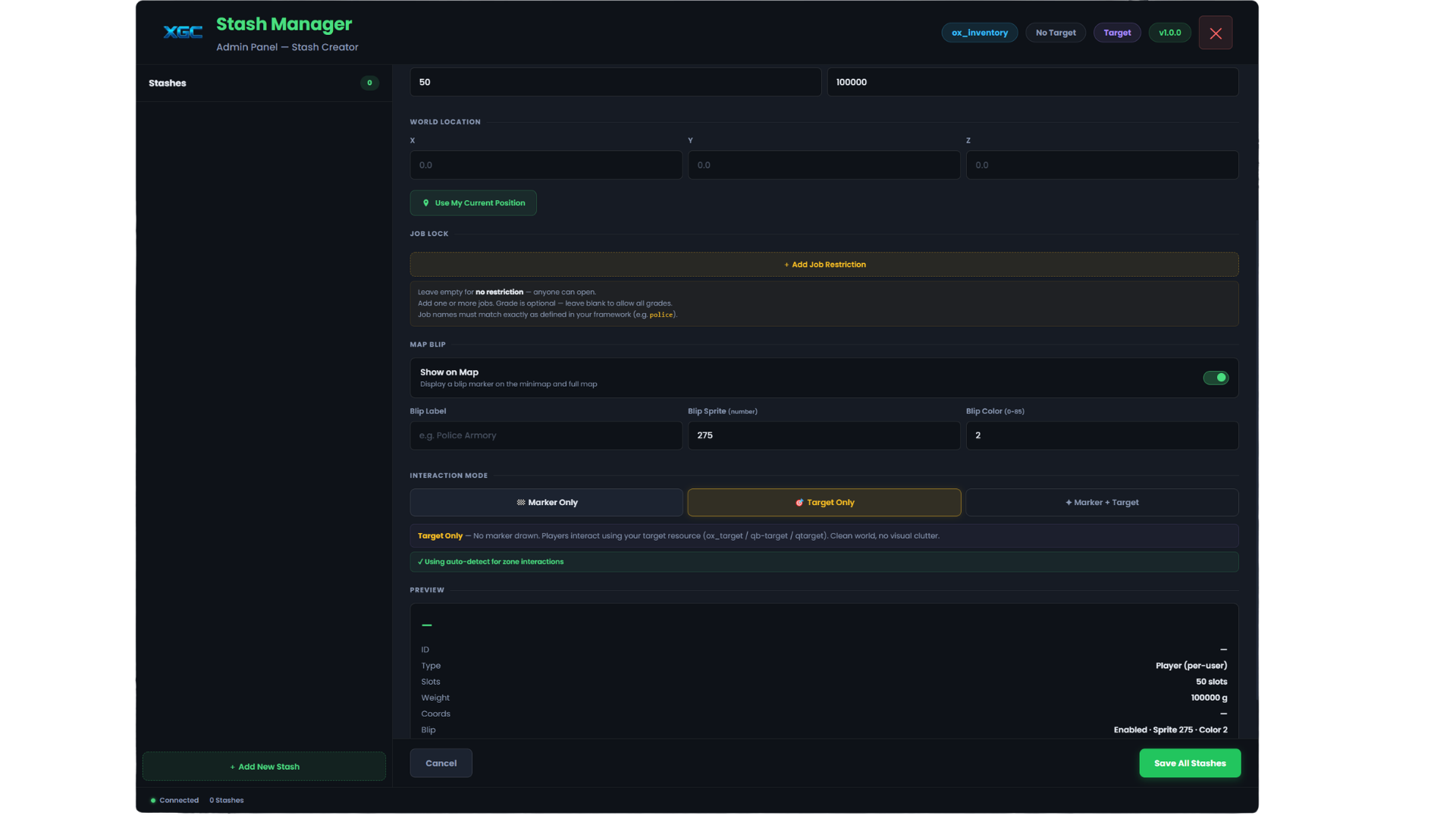
Create and manage stashes without touching any config files.
📦
In-Game Admin Panel
Create, edit and delete stashes live with a clean UI. No resource restart needed — changes take effect immediately.
👤
Player & Business Stashes
Player stashes give each player their own private inventory. Business stashes share a single inventory pool with everyone.
🎯
Target System Support
Supports ox_target, qb-target and qtarget. Auto-detected at startup. Switch between Marker, Target Only, or both — live from the UI.
💼
Job Lock
Lock any stash to one or more jobs. Optional minimum grade requirement. Players without the required job receive a notification.
🗺️
Per-Stash Blip Control
Toggle blips on or off per stash. Customise the sprite, colour and label directly from the admin panel.
🔢
Slots & Weight
Set custom slot count and max weight per stash. Works with all supported inventory systems using native capacity settings.
🚶
Walk Mode Capture
Click the capture button — the UI hides so you can walk to the exact spot. Press F to snap the location, Backspace to cancel.
💾
Persistent Storage
All stashes save to data/stashes.json. Stashes are re-registered with the inventory system on every resource start.
🏁
3D Markers
When using Marker mode a green cylinder draws at each stash location. Walk in and press F to open. Fully configurable in config.
Installation
Up and running in under 2 minutes.
1
Drop into your resources folder
Place the xgcStashes folder inside your resources/ directory.
2
Add to server.cfg
server.cfg
ensure xgcStashes
# Grant the stash.admin permission to your admin group add_ace group.admin stash.admin allow add_principal identifier.steam:YOUR_HEX group.admin
3
Configure interaction mode (optional)
Open config/config.lua and set Config.InteractionMode to your preferred mode. The resource auto-detects your inventory and target system — no override needed in most cases.
4
Open the panel in-game
Type /stashes in chat. The header shows your detected inventory system and target resource so you can confirm everything is working.
Inventory Support
Auto-detected in priority order: ox_inventory → qs-inventory → qb-inventory.
Auto-detected
okokNotify
Optional — native fallback
Made by XGC Development · Stash Manager · v1.0.0
Trusted by over 400+ servers worldwide.
"Finally a script that actually works. Support was super fast and helpful."
"Top quality. We've been using it on our server for 2 weeks without issues. 10/10."
"Very clean code, easy to customize. 0.00ms resmon is not an empty promise."
"This system is awesome. My players love the new features."
"Best developer. Updates come regularly and bugs are fixed immediately."
"Everything perfect, installation was done in 5 minutes. Would buy again."